
Written by the JM Tech Power team, who make JJ Bot. It isn't an independent review: it walks through a first hour with the app and says plainly where it falls short.
Minutes 0–10: install and pick a model
On a Mac or Linux the installer is one command in a terminal; on Windows, one command in PowerShell. Both are on the JJ Bot page, and running the command again later updates it. JJ Bot needs Python 3.11 or newer; the installer finds it.
Then a model. If you have none, Start free in two minutes in Settings → Models gives every bot GLM-4.7-Flash with a free Zhipu key. Already pay for an AI subscription, or have an API key? Settings → Models picks it up.
Minutes 10–25: the first task
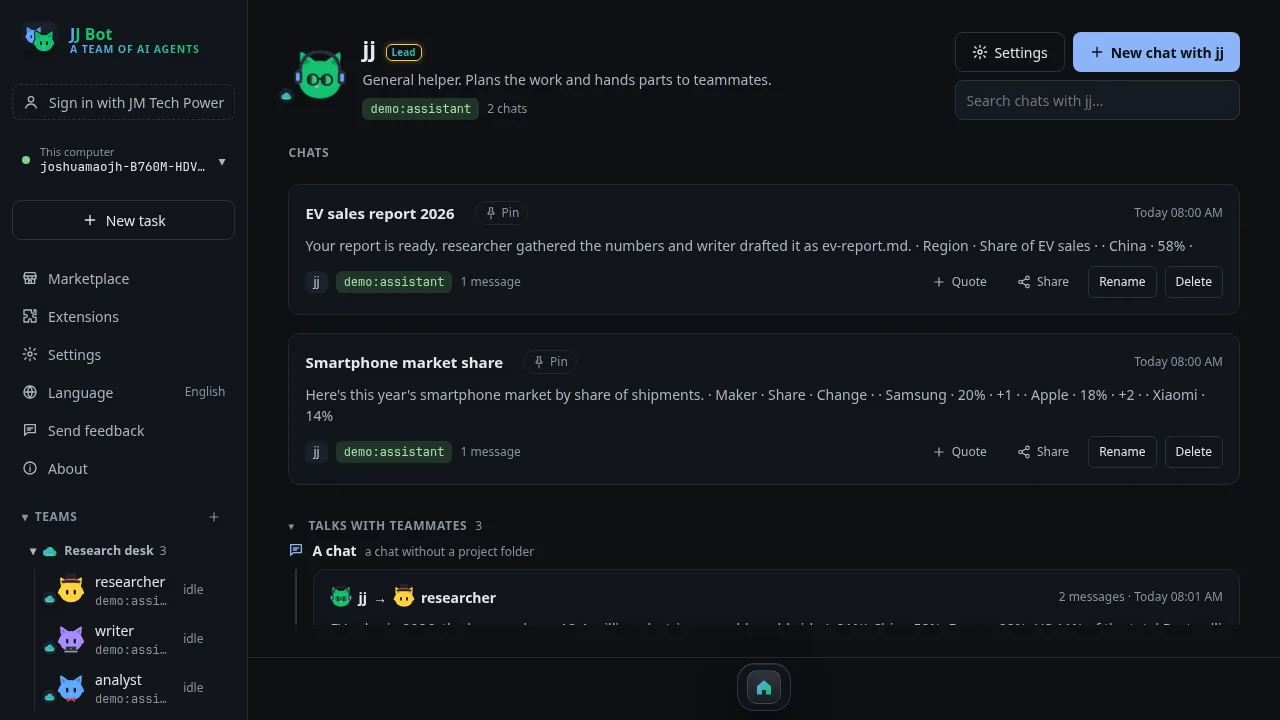
A new chat opens with your lead bot, jj, and suggestions of what to try. Ask it something real, in plain words: compare a few products, sum up a long document, tidy a folder. It shows its steps folded into one line above the answer, and files it makes, such as tables, charts and web pages, appear right in the chat. Anything risky waits for your OK first.
Minutes 25–40: a team
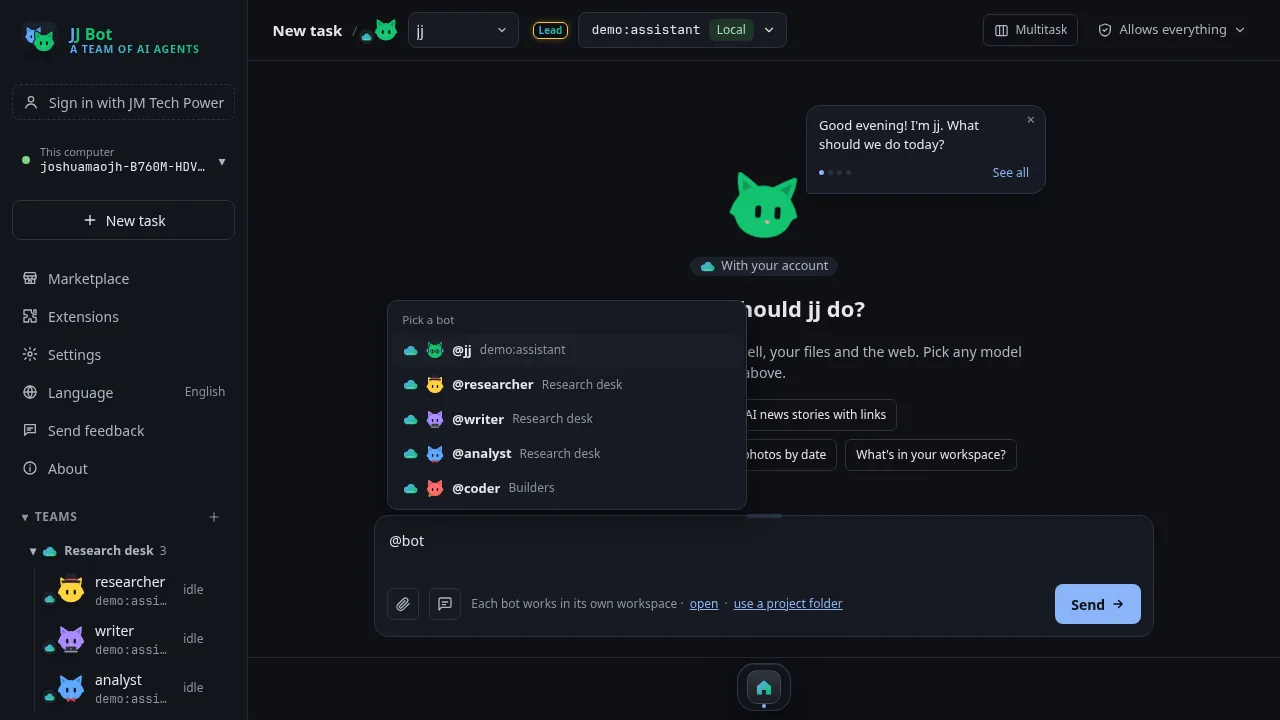
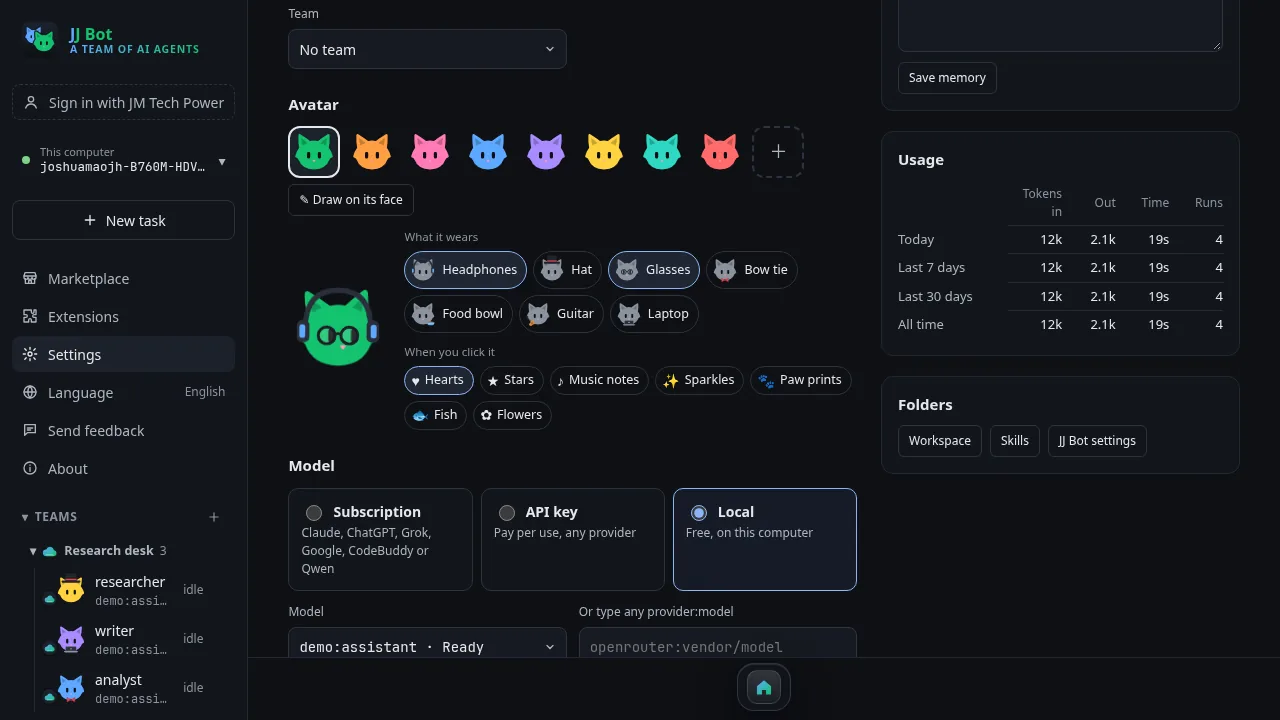
Ask jj to recruit a researcher and a writer, or make a ready-made team from the Marketplace. Type @ and hand the job to the team: the bots work at the same time and report back. While they work, dress the cats up; it is more fun than it sounds.
Minutes 40–60: make the answers yours
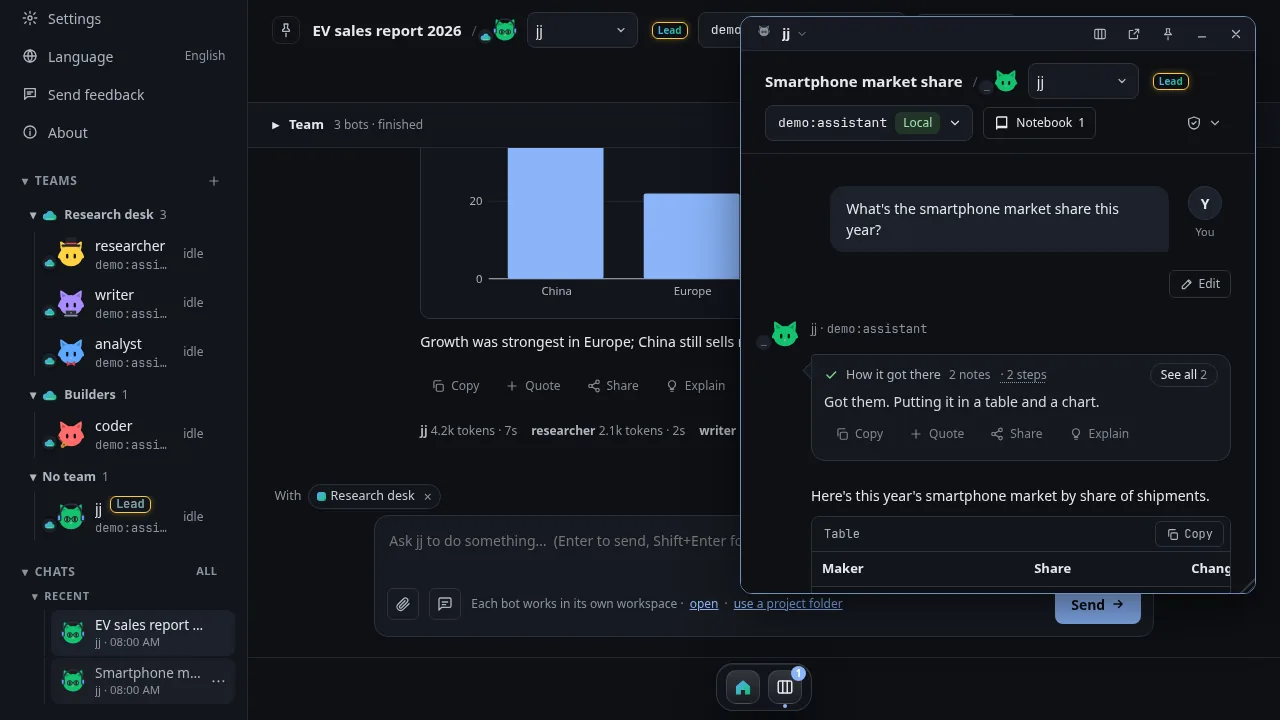
Highlight and annotate the best answer, clip parts to the notebook, and share it as a web page or PDF. Open a second chat as a window and keep two tasks going. Install News from the Marketplace and click Ask on a story: the bot reads it, sums it up and asks what next.
What works well
- It is free, and not tied to one AI company: mix models and switch any time.
- Your files stay on your own computer.
- Teams of bots that work together, even on different models.
- It works in mainland China, and offline with local models.
Where it falls short
- It stops when your computer is off or asleep; there is no cloud computer.
- It takes a few more steps to set up than a website.
- How good a bot is depends on the model you pick; small local models are weaker.
- It is a young project from a small team.
Verdict
If you want AI that does the work on your own computer, with the models you choose, JJ Bot is worth an hour. Start with the Learn JJ Bot tutorials, and tell us what you think with Send feedback in the app.
Comments (0)
Please login to post comments
LoginNo comments yet. Be the first to comment!